Click the Copilot icon in the VS Code title bar, or press Ctrl+Alt+I on Windows / Linux (Cmd+Ctrl+I on macOS). The Chat panel opens on the right.
Copilot auto-discovers skills under .github/skills/ — no install command, no build step, no selecting a agent or typing a prompt. If you just dropped the folder into an open workspace, reload the window once (see Step 01) and you're set.
Don't see the Copilot Icon?
If you don't see a Copilot icon, install the GitHub Copilot Chat extension from the Extensions view first.
03 · choose a path
Pick the path that matches what you've got.
Path A · with mood board
Drop in images + write a prompt.
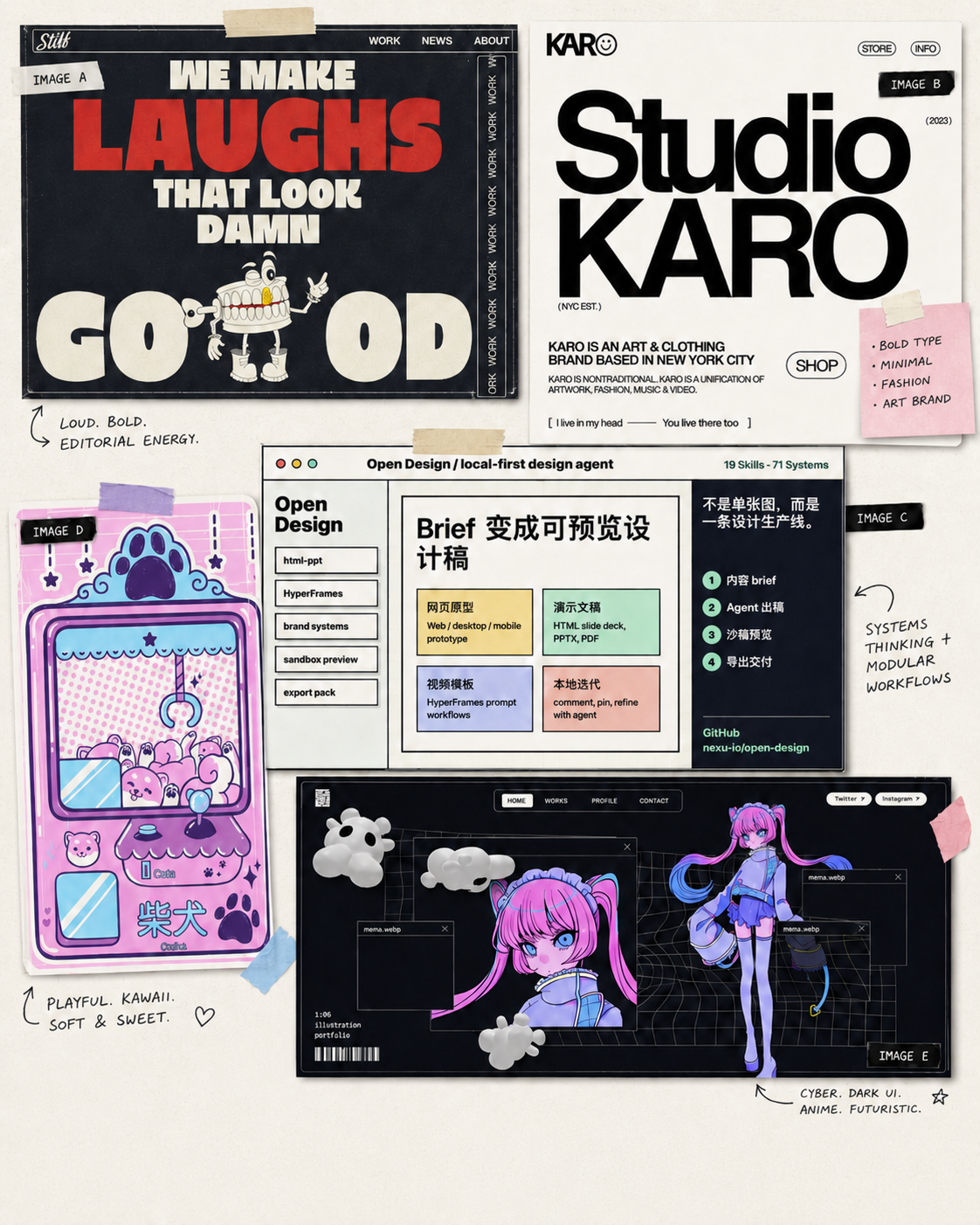
Attach 1–5 reference images (inspiration posters, screenshots, swatches). Then ask:
Use the moodboard-to-html skill to
turn these images into an HTML presentation
about how to build cute custom PCB designs.
Path B · no mood board
Just describe what you want.
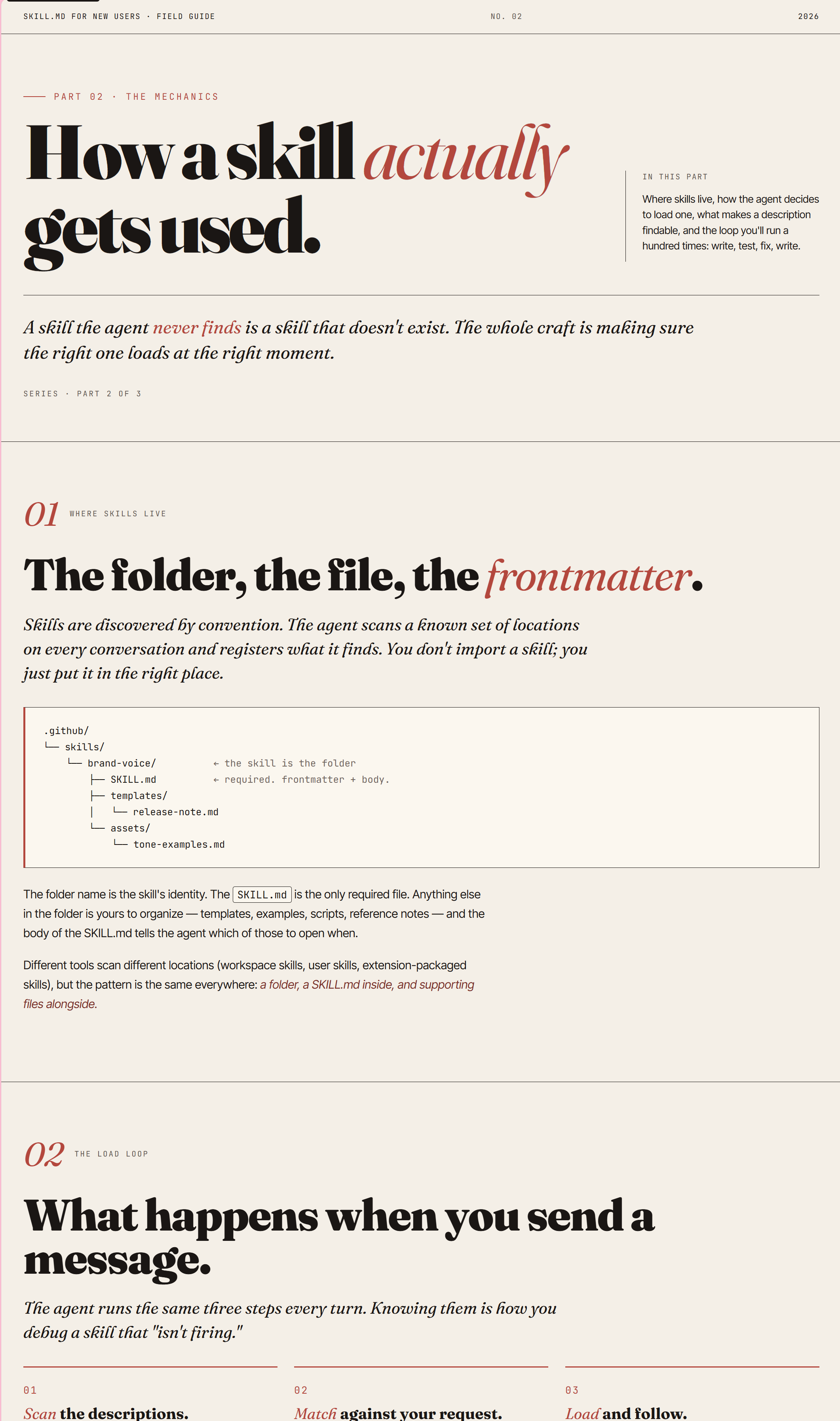
No images needed — the skill falls back to a default editorial theme:
Create a presentation
guide to teach what
a Skill is for new users.
04 · output
Where the file lands.
The skill writes a single self-contained HTML file with CSS inline. Open it in a browser to preview, or commit it to your repo and publish it with GitHub Pages — no build step required.
05 · what it can do
Eight things the skills handle automatically.
You bring the words. The skills handle the look, the rhythm, and the things that are easy to forget.
01 · layout
One canonical page shell.
Every page is masthead → hero with one h1 → body sections with h2 → prev/next pills → footer.
Masthead
Hero (h1)
Body sections (h2)
Page-nav (prev/next)
Footer
02 · font
Display + body + mono.
One Google Fonts triplet, declared once, loaded on every page.
DisplayBody copy that reads.mono · 0123
03 · style
Editorial accents.
Italic em emphasis in headlines, pullquotes, lede paragraphs, a consistent masthead-to-footer rhythm.
“The skill is the folder.”
04 · color palette
Bring your own, or use the default.
Bundled cream + navy + mustard, derived from your reference images, or hand-rolled — chosen once in Step 0.
05 · code snippets
Dracula-toned code blocks.
Dark .codeblock with .kw, .str, .cm spans in every page; Dracula duotone code-bg / code-ink tokens in the matching style guide.
---name: brand-voice---
06 · interactive code examples
Click to watch it type.
A live typewriter sells the idea better than a screenshot. Click the button; the snippet types itself into the block.
name: brand-voicerules:
-Verbs over nouns-Cut every adverb-No em-dashes in product copy-Short sentences only-First person plural always
07 · animation
Themed motion, motion-safe.
Inline SVG centerpieces driven by CSS keyframes, wrapped in prefers-reduced-motion guards.
08 · built-in accessibility
Checked before write.
Every page passes the Accessibility Bar before it leaves the skill.
Skip link + single h1
Landmarks + aria-labels
Focus-visible outline
AA contrast
Honors reduced motion
06 · anatomy
A skill is two things: a YAML header and a Markdown body.
Your agent host reads the header to decide whether to use the skill. The model reads the body to actually do the work.
.github/skills/brand-voice/SKILL.md
---name: brand-voicedescription: Apply our editorial voice — short verbs, no adverbs, no em-dashes in product copy.---
# Brand voice
Verbs over nouns. Cut every adverb.
Short sentences only. First person
plural, always.
Same SKILL.md file. Different host. Different model. It still works.
faq · troubleshooting
Common questions.
What is a SKILL.md and how is it different from an agent and a prompt?
The easiest way to keep these straight is to ask who invokes it?
A skill (a SKILL.md file in .github/skills/<name>/) is something the model picks for you. Copilot reads the skill's description from its YAML frontmatter and auto-loads it when your request matches — that's how this repo's three skills get triggered. You can also run one explicitly by typing /skill-name.
A custom agent (an .agent.md file in .github/agents/) is something you pick from the agents dropdown in the Chat view. It's a persistent persona — security reviewer, planner, whatever — with its own instructions, allowed tools, and preferred model, and it stays active until you switch away.
A prompt file (a .prompt.md file in .github/prompts/) is something you type as a slash command. It's a saved one-shot template — never auto-loaded — that runs when you invoke /prompt-name.
Copilot doesn't see my skill — what now?
Double-check the path is exactly .github/skills/<skill-name>/SKILL.md. If it still isn't picked up, reload the VS Code window (Ctrl+Shift+P → Developer: Reload Window).
Which Copilot model should I use?
Any current GitHub Copilot Chat model works. For Path A, pick a model with vision support — image-aware models give noticeably better mood-board results. Recommended options include Anthropic Opus 4.6 or 4.7, or OpenAI GPT-5.4 or GPT-5.5.
Can I edit the output?
Yes. The output is plain HTML with inline CSS — edit it like any other file, or ask Copilot to iterate on it.